Temkuri Template Doc
Template Installation
-
FTP Upload:
- Open up your FTP manager and connect to your hosting
- Browse to required directory (Normally public_html)
- Upload the files inside temkuri folder.
Page
- All Page See Your Downloaded File
Fonts
<!-- FONTS
============================================ -->
@import url('https://fonts.googleapis.com/css2?family=Lato:wght@100;200;300;400;500;600;700;800;900&family=Barlow:wght@100;200;300;400;500;600;700;800;900&display=swap');
Source File (CSS)
<link rel="icon" type="image/png" href="assets/images/favicon.png">
<!-- Include All CSS here-->
<link rel="stylesheet" type="text/css" href="assets/css/bootstrap.min.css"/>
<link rel="stylesheet" type="text/css" href="venobox/venobox.css"/>
<link rel="stylesheet" type="text/css" href="assets/css/plugin_theme_css.css"/>
<link rel="stylesheet" type="text/css" href="style.css"/>
<link rel="stylesheet" type="text/css" href="assets/css/responsive.css"/>
<!-- modernizr js -->
<script src="assets/js/vendor/modernizr-2.8.3.min.js"></script>
Source File (JS)
<script src="assets/js/vendor/jquery-3.5.1.min.js"></script>
<script src="assets/js/bootstrap.min.js"></script>
<script src="assets/js/isotope.pkgd.min.js"></script>
<script src="assets/js/slick.min.js"></script>
<script src="assets/js/imagesloaded.pkgd.min.js"></script>
<script src="venobox/venobox.min.js"></script>
<script src="assets/js/map.js"></script>
<script src="assets/js/theme-pluginjs.js"></script>
<script src="assets/js/jquery.meanmenu.js"></script>
<script src="assets/js/ajax-mail.js"></script>
<script src="assets/js/theme.js"></script>
Icons
Icofont Icons
Themify Icons
aprova icons
Font Awesome
Customization
How to Change Logo

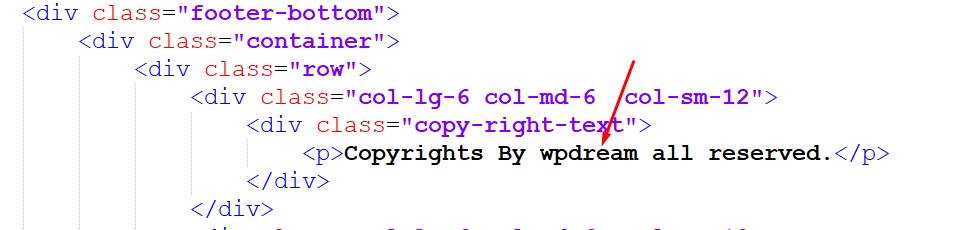
How to Change copyright text
How to Change Mail?
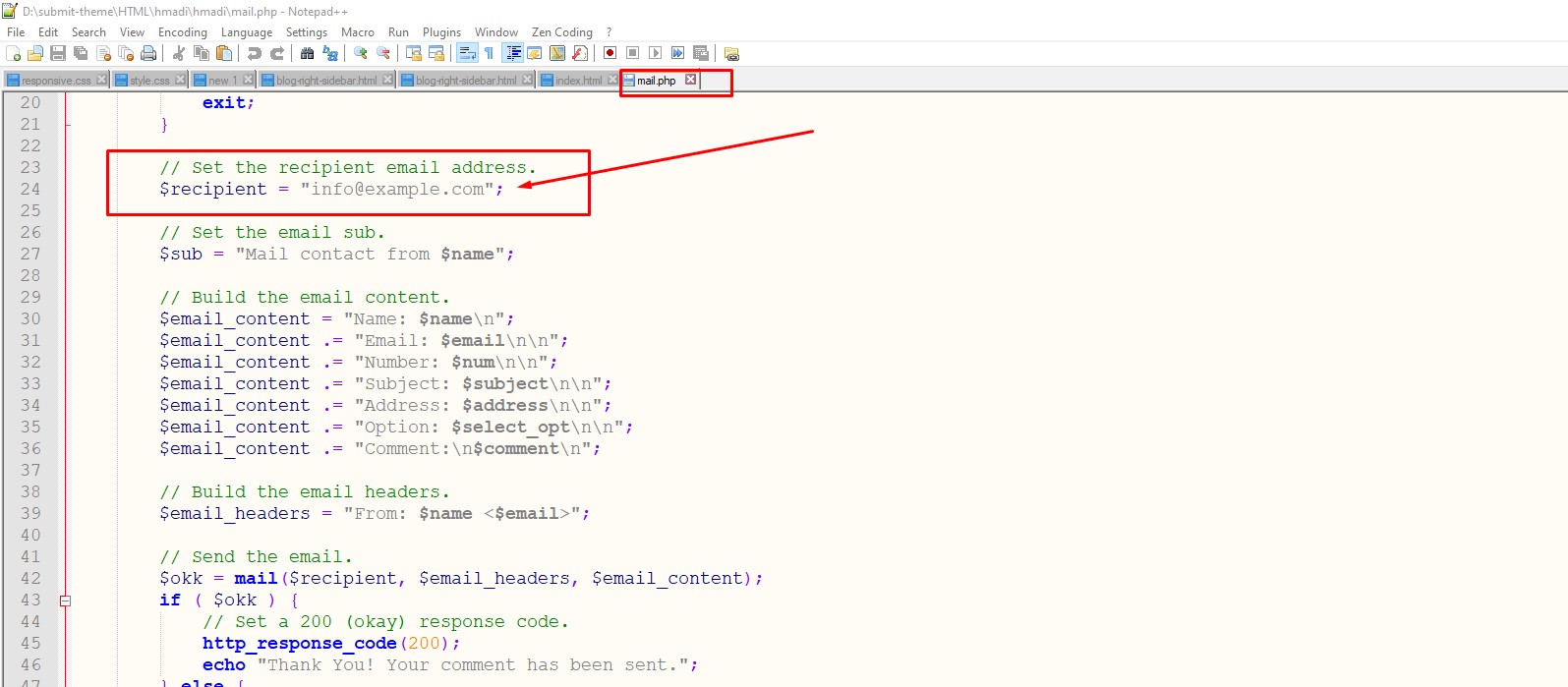
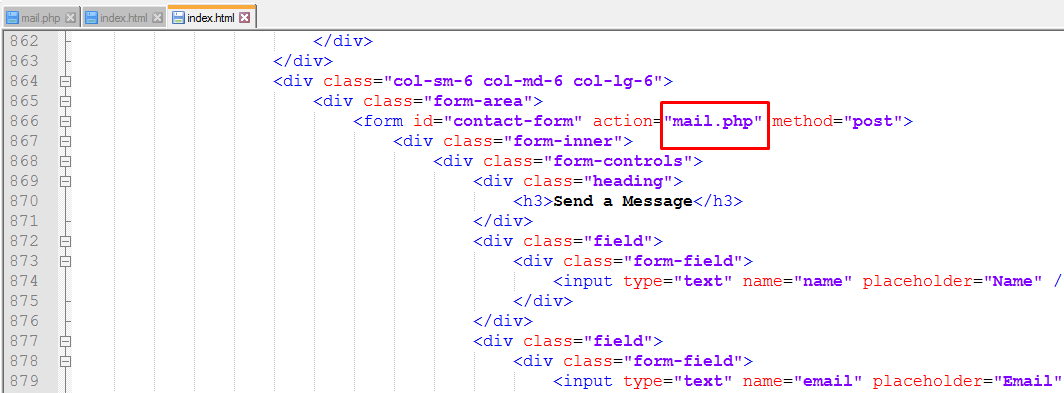
Go to template root folder temkuri > mail.php file and open the file and change here.